We use cookies
We use cookies and similar technologies to enhance your browsing experience, analyze site traffic, and personalize content and ads. By clicking "Accept", you consent to our use of cookies. Learn more in our Privacy Policy.
Your phone is the server.
Host a site, run PHP 8.4 with SQLite behind it, and query your database from any browser on your Wi-Fi. It keeps serving while you switch apps or the screen is off.
# free to start · no account · nothing leaves your device
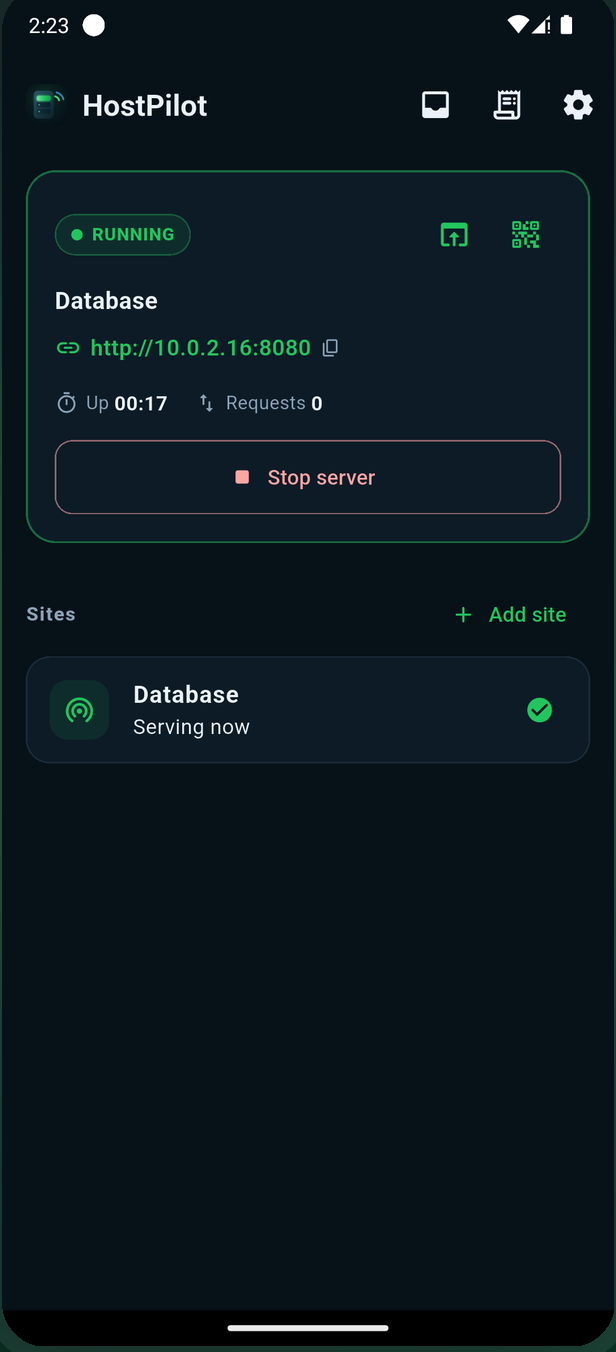
Five things it can be
One server, started the same way every time — what it serves is up to you.
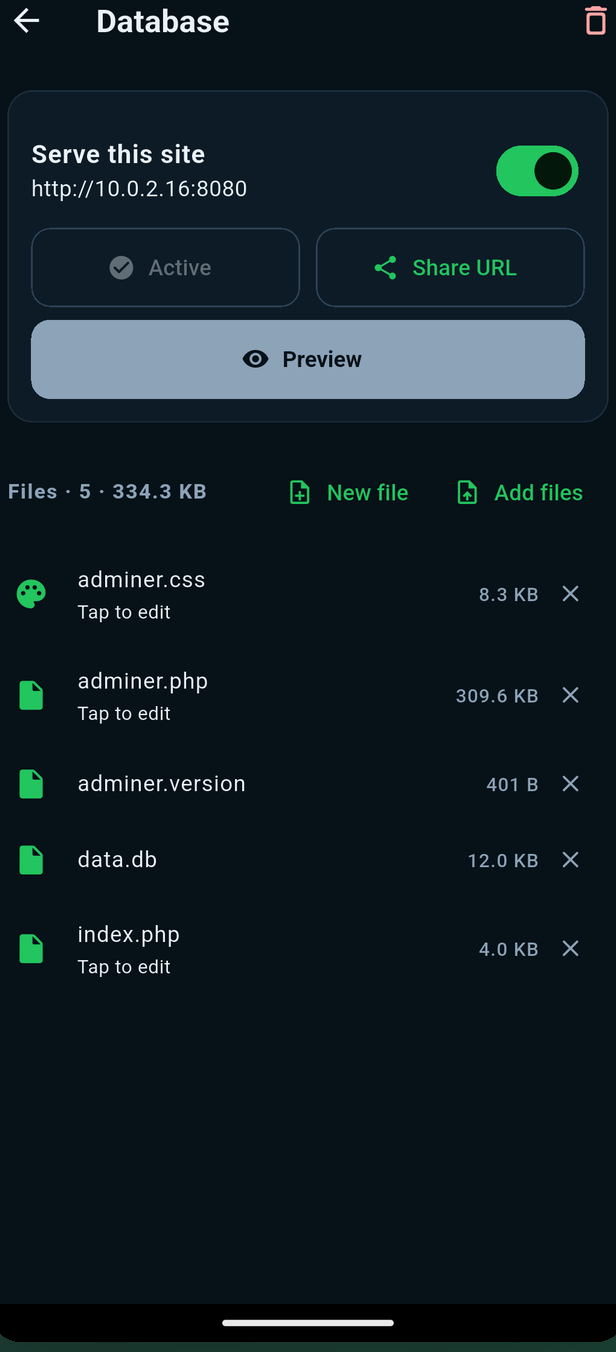
Web server
Host a site from a folder — HTML, CSS, JavaScript, images and video — then share the URL or its QR code.
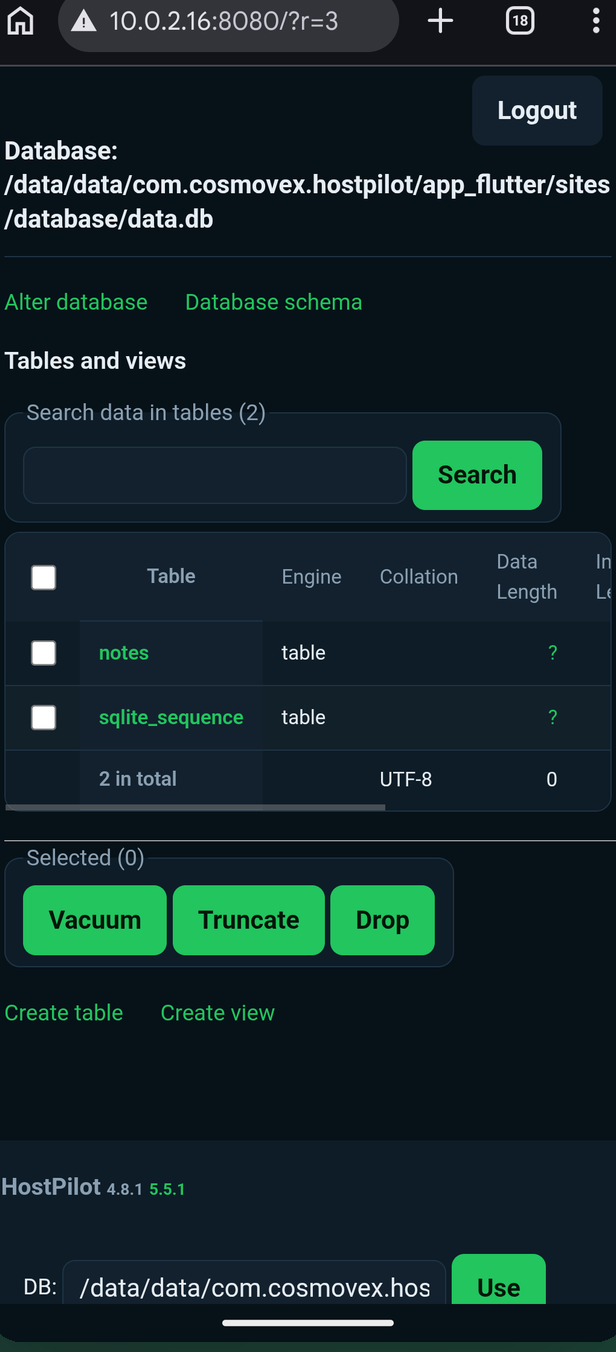
Database console
Run queries, browse tables and edit rows from any browser on your Wi-Fi, backed by SQLite on the device.
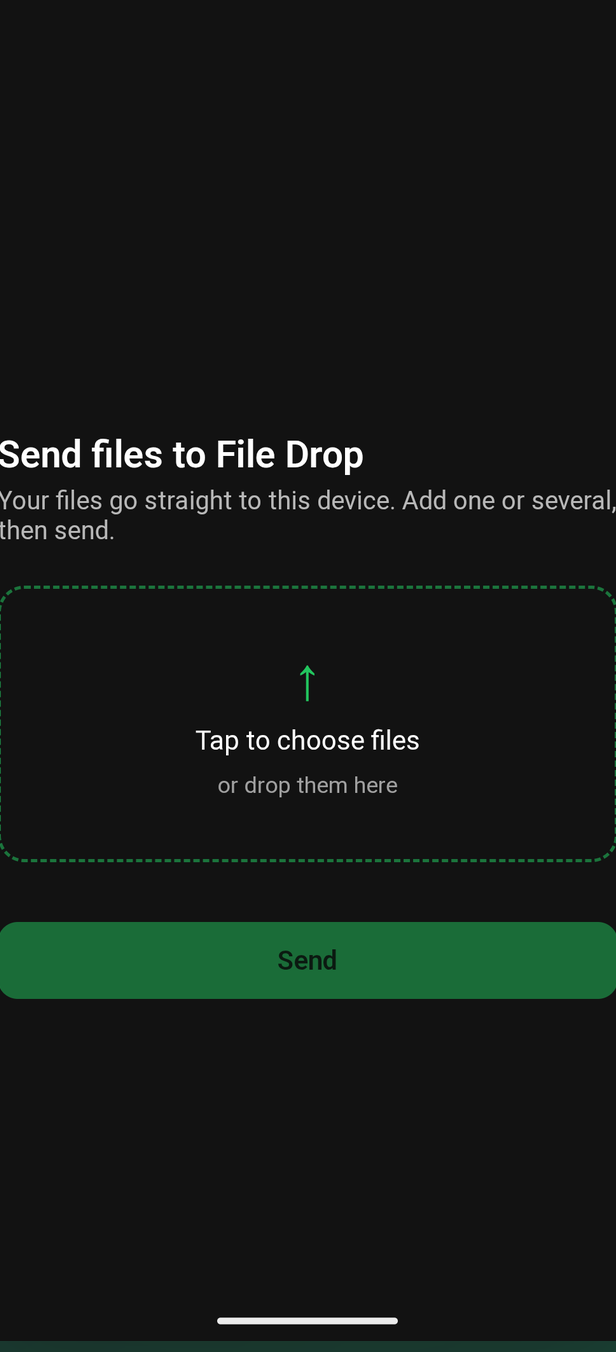
File Drop
Share a link and collect files from anyone on your network, straight to your phone.
Built for people who ship
The tools you'd expect from a real server, on the device in your hand.
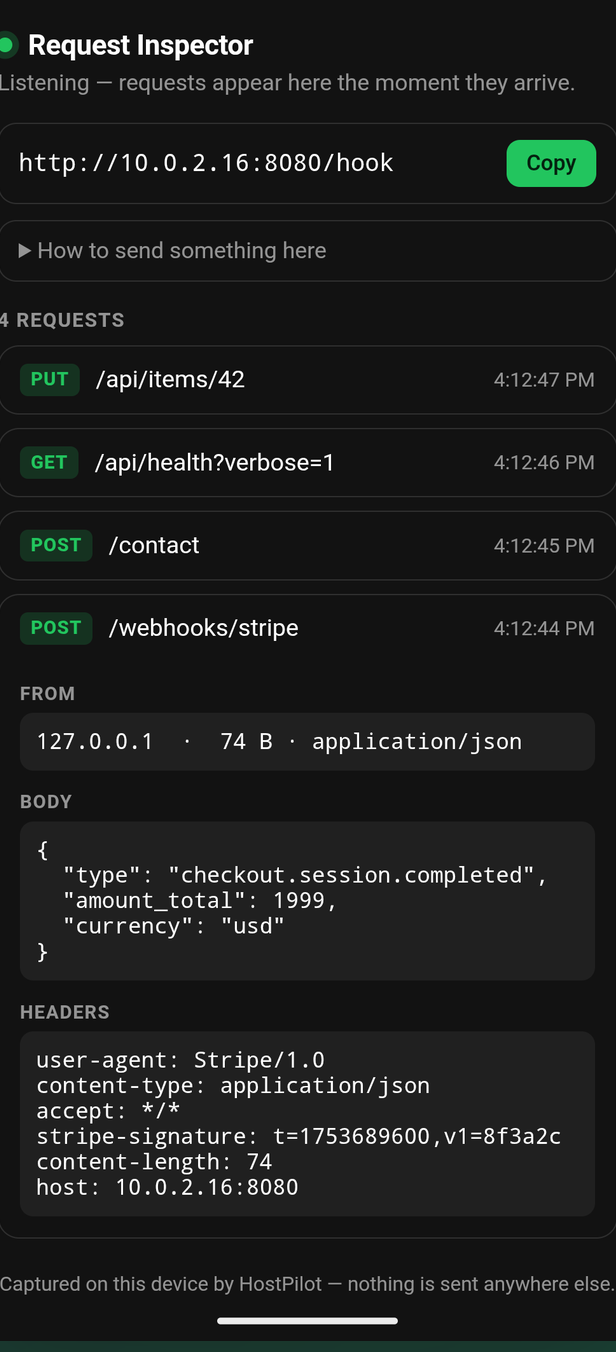
Request Inspector
Point a webhook or a form at your phone and watch every request arrive live — method, path, headers and body.
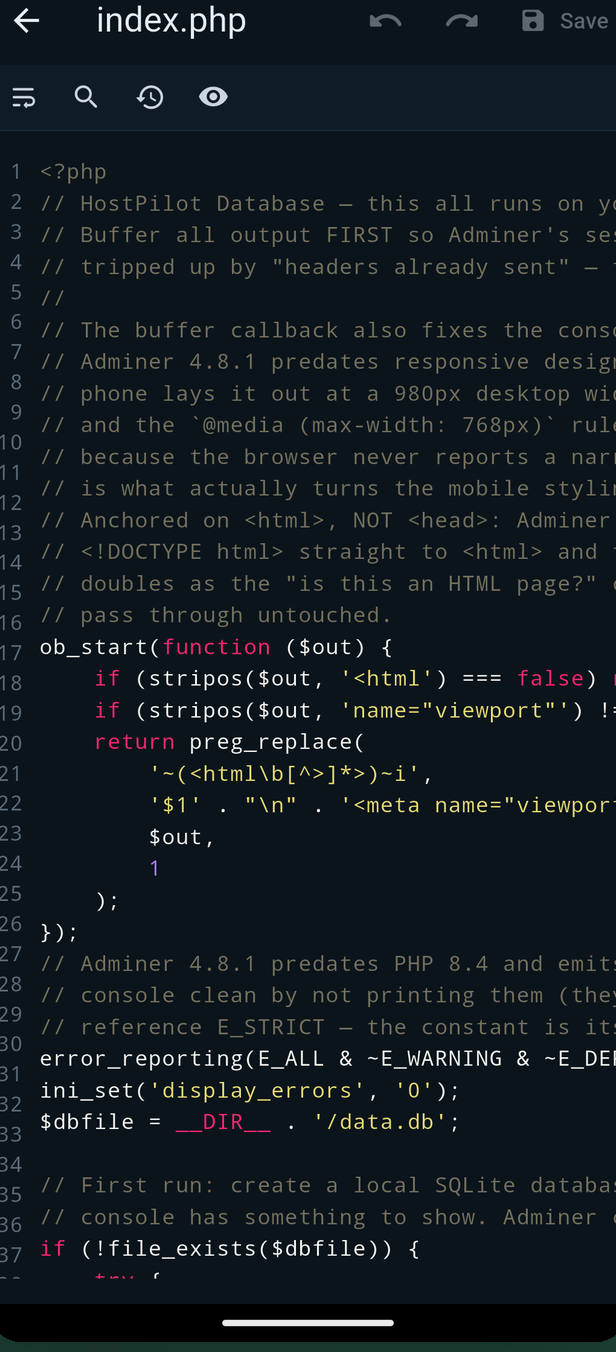
Built-in editor
Syntax highlighting for HTML, CSS, JS, PHP, SQL and more, with find & replace and version history.
Live uptime & access log
Every request with method, path, status code and client IP — and a counter showing how long you've been up.
No account. No cloud.
Your files stay on your device.
HostPilot asks only for the folders you choose — scoped storage, not the all-files permission. Nothing is uploaded to us. Your files and databases are served over your own network, only while the server is on.
Frequently asked questions
Everything about running a web server from your phone with HostPilot.
$Can I run a web server on my Android phone?
Yes. HostPilot serves a folder over your Wi-Fi or on localhost. Start it, scan the QR code from another device, and your site is live on your network — no laptop and no cloud in between.
$Does the server keep running in the background?
Yes. HostPilot runs under an Android foreground service with a persistent notification, so it keeps serving while you switch apps or the screen is off. A live uptime counter shows how long it has been up, and a guided reliability checklist walks you through the battery settings your specific device needs.
$Can I really run PHP on a phone?
Yes. PHP 8.4 runs your .php files directly on the device, with SQLite databases created for you on first run. Ready-made starters include a JSON REST API and a shareable guestbook.
$Can I browse and query my database?
Yes. A visual SQL console runs in the browser: run queries, browse tables, edit rows, and import or export data. A built-in MySQL and MariaDB client also connects out to servers elsewhere.
$What is File Drop?
A Wi-Fi file server. Share a link and anyone on your network can send files straight to your phone — useful for collecting work from friends, clients or students without putting a cloud service in the middle.
$Can I catch webhooks with it?
Yes. The Request Inspector shows every request as it arrives — method, path, headers and body — so you can point a webhook or an HTML form at your phone and watch it land live.
$Is my data uploaded anywhere?
No. HostPilot asks only for the folders you choose — scoped storage, not the all-files permission. There is no account and no cloud. Your files and databases stay on your device and are served over your own network, only while the server is on.
$Is HostPilot free?
It is free to download, and the reliability core is in the free tier — foreground service, uptime counter, QR sharing, the live access log, the editor, File Drop and the Request Inspector. An optional Pro upgrade removes ads and unlocks the database console beyond its free runs, your full inbox history, password protection, browser upload, custom port and network mode, and unlimited sites.